Transparency is the key to customer satisfaction. The Wait Times feature allows you to set estimated preparation durations based on your Menu Groups. The analogy is like a queue display board at a bank; by providing accurate expectations from the start, you reduce customer anxiety from waiting too long and build trust in your restaurant's service.
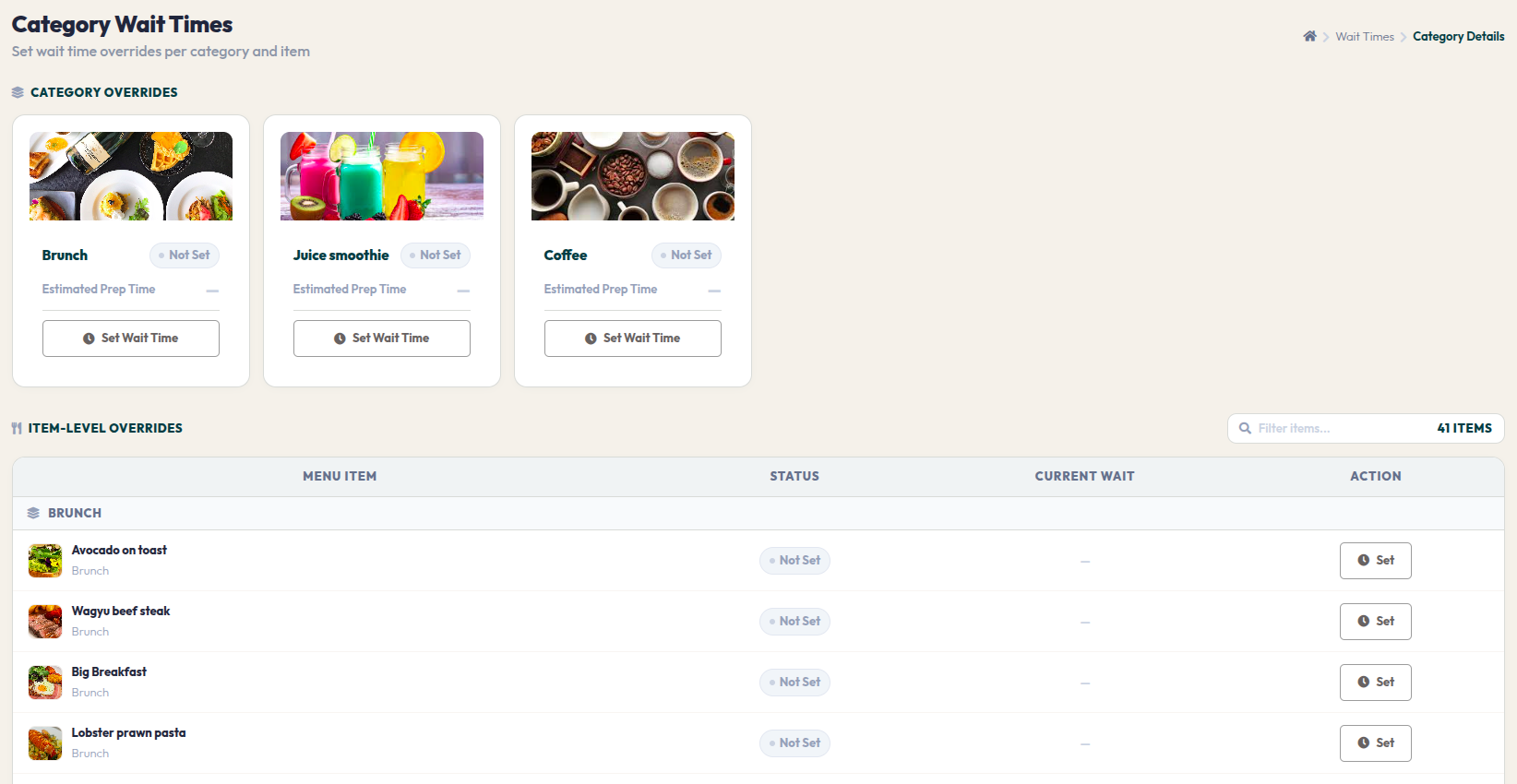
- Go to Orders > Wait Times.
- This page displays the list of Menu Groups you have previously created.
- Click on the menu category card for which you want to set the estimated wait time.
- You will be directed to the category details where you can input the wait duration in minutes.
- Once set, this estimate will automatically appear on the customer's ordering interface (online ordering) when they select items from that specific category.
Setting realistic time estimates helps customers feel valued and more patient. Ensure to update these durations periodically if there are changes in kitchen capacity or queue density.