Price Override Specials give you full control to set new prices for specific menu items within scheduled time periods. Unlike standard discounts, this feature allows you to "override" the price (e.g., setting a flat price of .99 for specific items), which is highly useful for special promotions or temporary price adjustments.
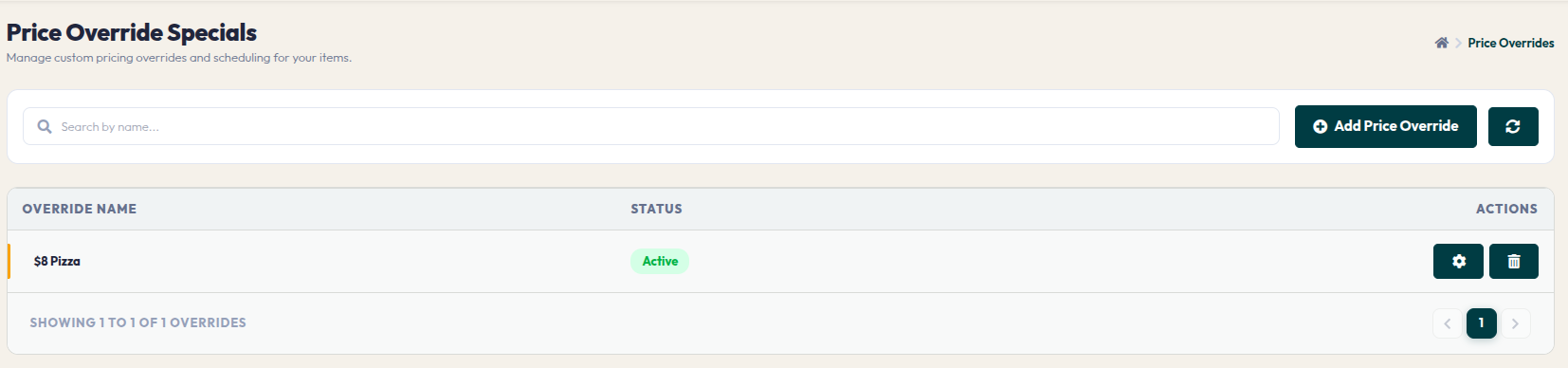
- Price Override Table: Displays the list of created price override rules, along with their active status.
- Add Price Override (Pop-up): Click to create a new rule. Enter an OVERRIDE NAME (e.g., Pizza Promo) and click Save & Continue.
- Detail Page:
- Edit Price Override (Pop-up): In-depth settings for pricing adjustments:
- Add Linked Items (Pop-up): Select which menu items will be subject to this override price.
This feature offers high flexibility in executing dynamic pricing strategies in your restaurant. Ensure you monitor the adjustment schedule so the prices displayed on the customer portal always align with your promotion plans.