Combo Specials allow you to group several menu items into a single special bundle. This strategy is highly effective for promoting new products or complementary items at an attractive price, making customers feel they are getting better value when ordering bundles compared to individual items.
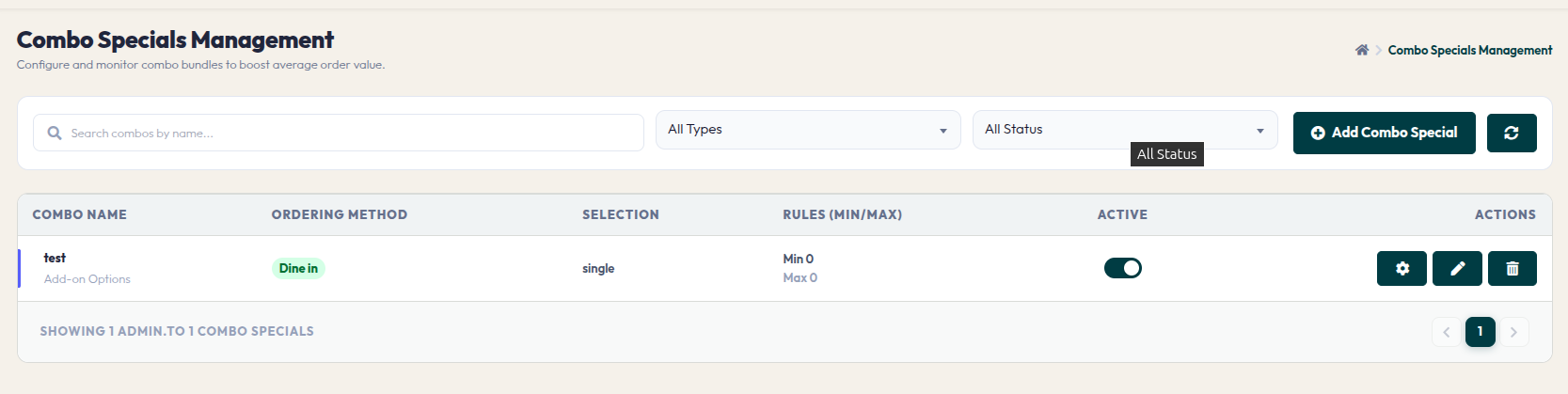
- Combo Table: Displays the list of combos you have created, including service method information, selection rules, and active status.
- Add Combo Special (Button & Pop-up): Opens the initial settings for a new bundle:
- Bundle Details (Upsell Group Details Pop-up): Once the combo group is created, use this window to configure the package composition in detail:
By curating appealing combo bundles, you simplify the customer's decision-making process while simultaneously boosting sales volume for specific items together.