The Modifiers Management page allows you to create additional options or customizations for menu items, providing flexibility for customers. Modifiers are very useful for choices such as spice levels, portion sizes, or extra toppings.
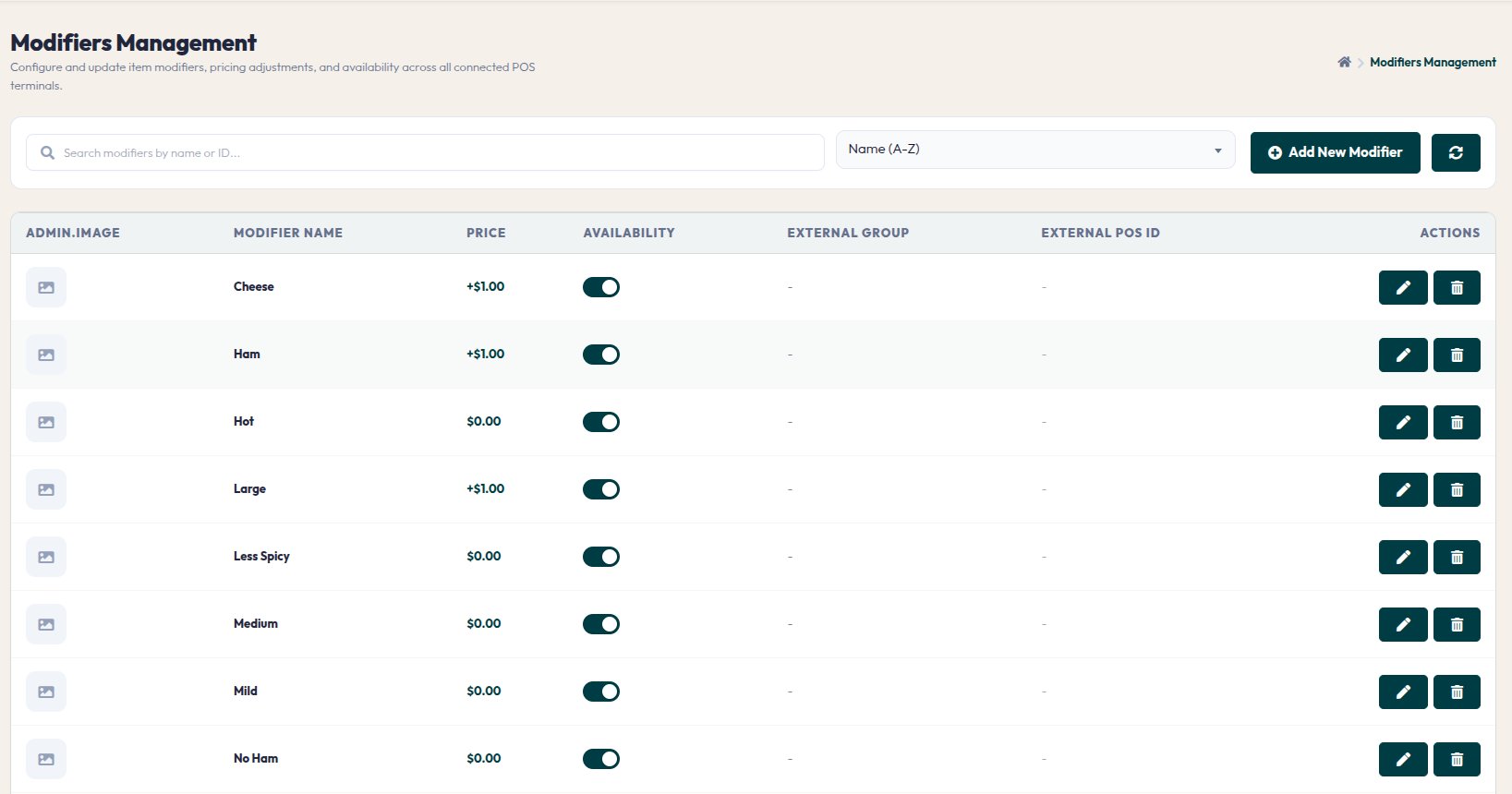
- Modifier Table: Displays a list of all created modifiers, including image, name, additional price, availability status, and external POS integration.
- Add New Modifier: This button opens a window to create a new modifier.
- Modifier Settings Fields:
- External POS Integration: This section is used to synchronize modifier data with external POS systems using POS Group ID, POS Item ID, and POS Group Name.
- Actions: Use the pencil icon to edit or the trash icon to delete a modifier.
By managing modifiers effectively, you enhance customer experience through accurate order personalization, while also optimizing revenue potential through paid modifier options.