Cross-sell is a strategy to offer complementary or additional products (not an upgrade) that will complete the customer's main order (e.g., offering french fries when a customer orders a burger). With Cross-sell Management, you can set rules so these supplementary items appear automatically, helping to increase the total transaction value per customer (basket size).
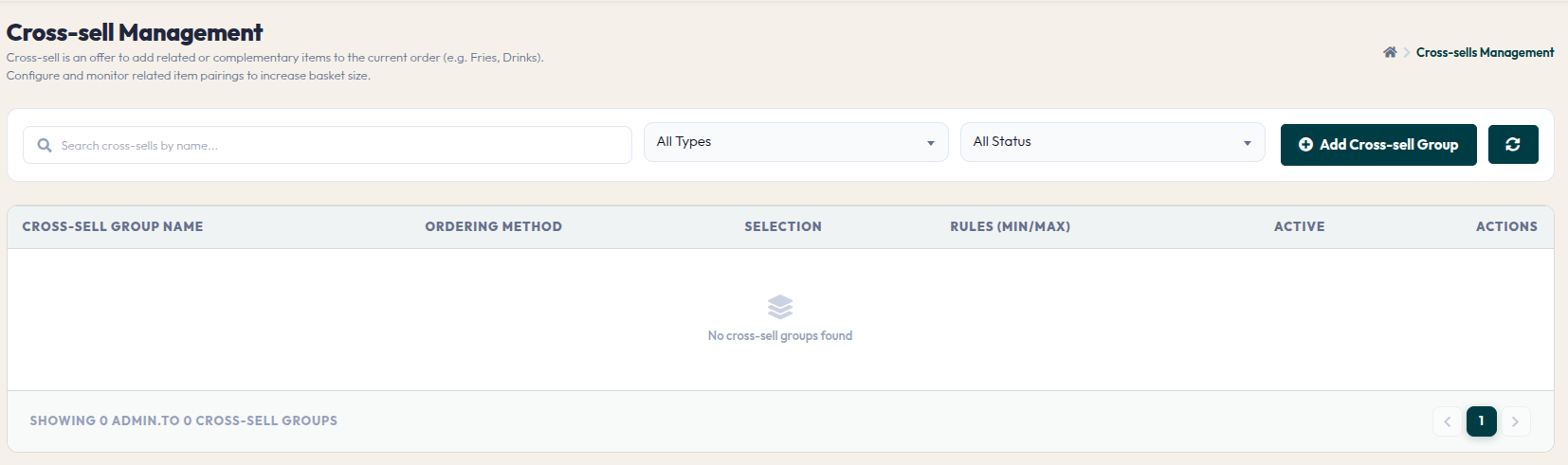
- Cross-sell Table: Displays all created cross-sell groups, including information on service methods, selection rules, and active status.
- Add Cross-sell Group: Opens the settings window to create a new supplementary offer group.
- Group Settings: Similar to Upsell, once the group is created, you can define which items act as the "trigger menu" and which items will be offered as the "add-on items".
Using cross-sell is an effective way to naturally increase turnover. Ensure that you pair relevant items so customers feel assisted, rather than bothered by the offers.