The Section feature allows you to divide items within a Menu Group into smaller, more specific parts. If a Category is a chapter, a Section is a sub-chapter. This is highly useful for restaurants with long menus, such as separating "Chicken Satay", "Beef Satay", and "Lamb Satay" within one large menu group named "Satay Menu".

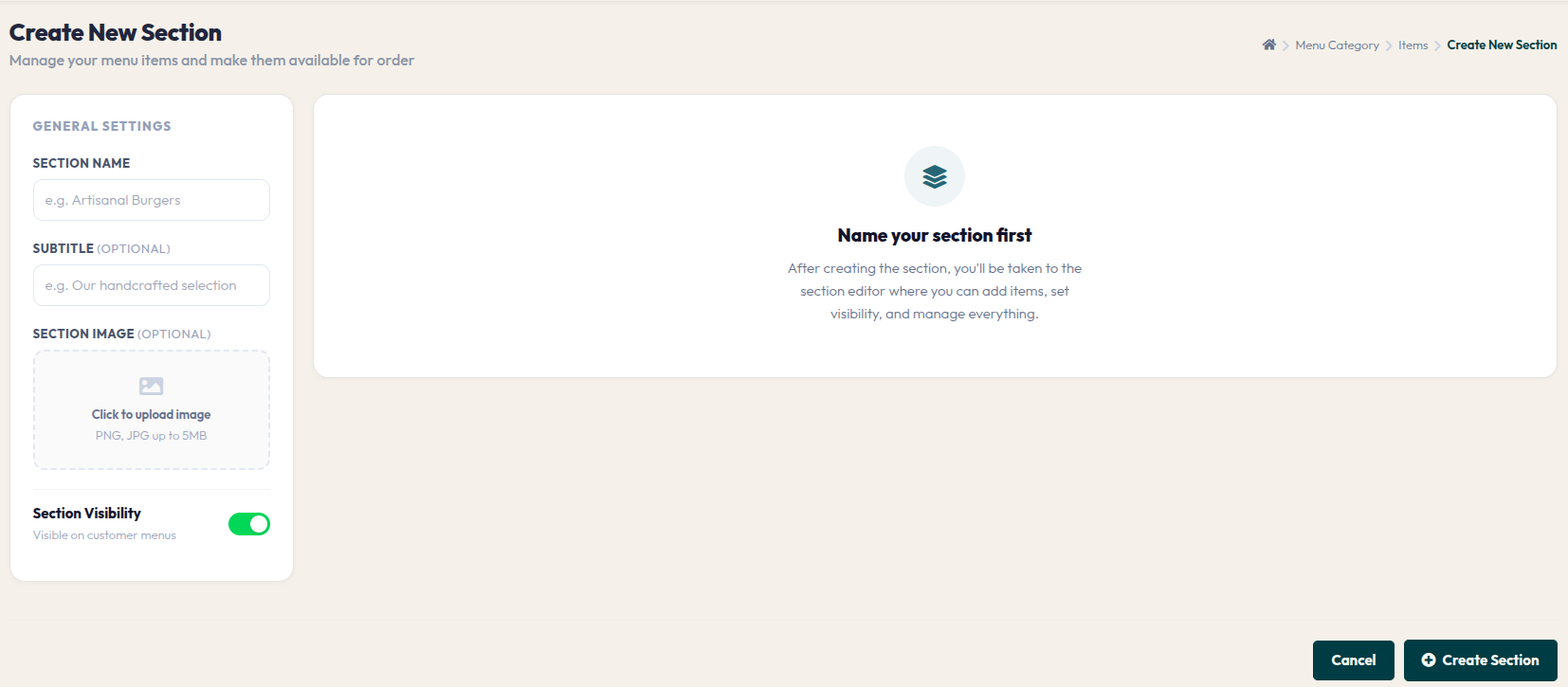
- On the item detail page, click the red + Create New Section button.
- SECTION NAME: Enter your sub-category name (e.g., Chicken Satay).
- SUBTITLE: Add a short, appealing description (optional).
- SECTION IMAGE: Upload an image that represents this section to make it visually attractive to customers.
- Section Visibility: Ensure the toggle is on so this section appears on the customer portal.
- Click the + Create Section button to save.
Once the section is created, you will be taken to a dedicated editor to start adding items into it. This neat organization will make customers feel comfortable while browsing your menu.