Menu Pengaturan Umum (General Settings) berfungsi untuk mendikte bagaimana alur kerja pemesanan mandiri oleh tamu (Dine-In) berlangsung. Analoginya seperti Anda memilih model pelayanan restoran; apakah bergaya Fast Food di mana tamu bayar dulu baru pesanan diproses, atau bergaya restoran keluarga di mana tamu bebas duduk, pesan berulang kali, dan tagihan baru dibayar sebelum pulang. Pengaturan ini akan mengotomatisasi aturan operasional tanpa campur tangan staf secara manual.
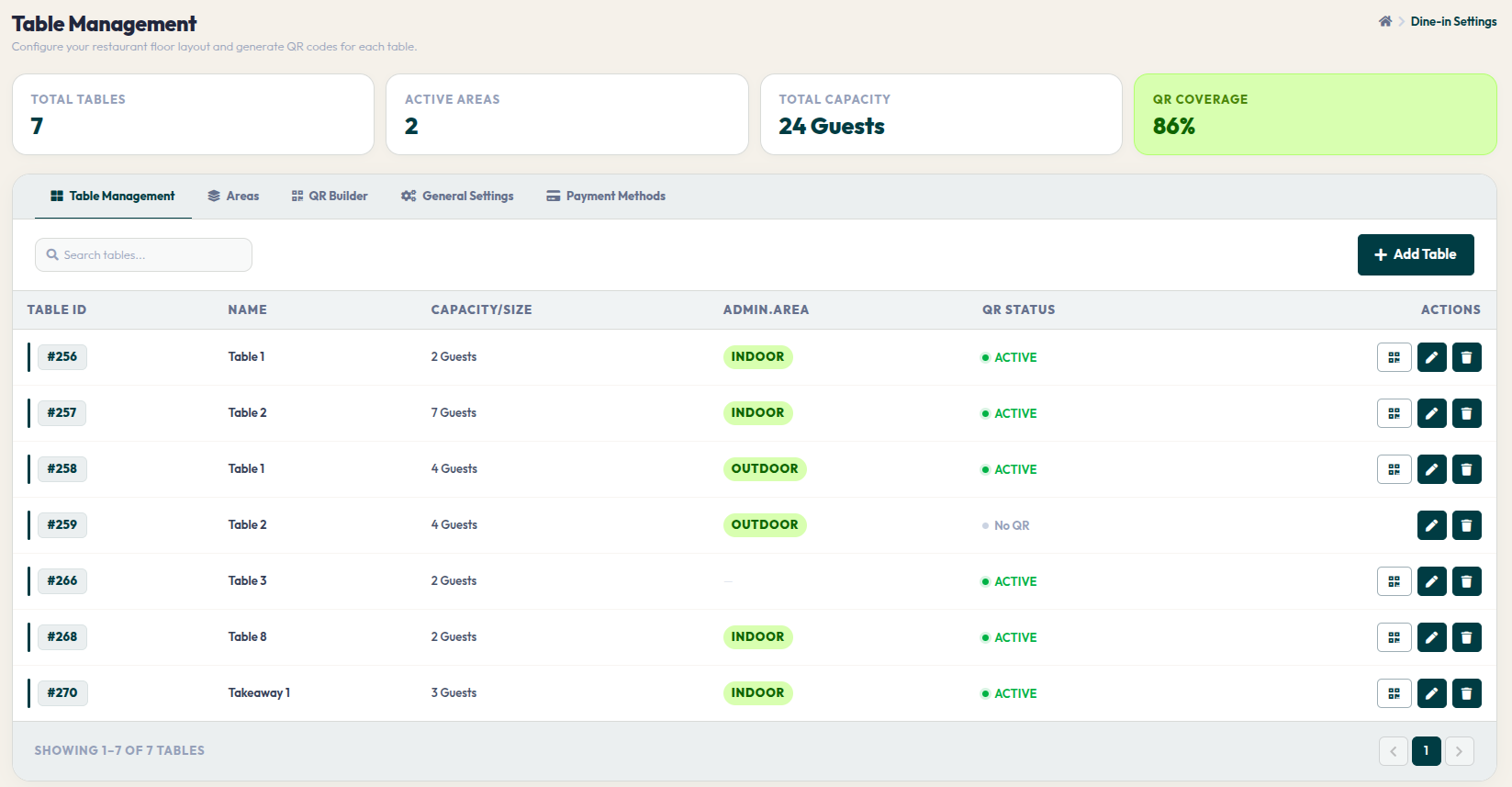
- Buka menu Orders > Dine-In Settings, lalu klik tab General Settings.
- Halaman ini memuat sakelar (toggles) aturan otomatisasi untuk pengalaman pemesanan tamu di tempat.
- Aturan Guest Self-Seating: Aktifkan sakelar ini jika Anda ingin mengizinkan tamu memindai QR code dan langsung mengakses menu tanpa harus melapor ke staf kasir untuk dibukakan meja (open table). Ini sangat ideal untuk mengurai antrean panjang saat restoran sedang ramai.
- Aturan Pay at Counter (COD): Aktifkan fitur ini jika Anda ingin memberikan fleksibilitas pembayaran (Bayar Nanti di Kasir). Tamu dapat menekan tombol order dan dapur langsung memasak. Namun, jika dinonaktifkan, sistem akan mengunci alur pesanan; tamu wajib mentransfer pembayaran secara online (Bayar di Depan) sebelum pesanan masuk ke layar dapur.
Dengan mengonfigurasi pengaturan umum ini, Anda sedang menciptakan alur layanan yang paling sesuai dengan target pasar restoran Anda. Ambil kendali atas otomatisasi alur pemesanan dan berikan kenyamanan maksimal kepada pelanggan setia Anda.