During busy operational hours, efficiency is key. The Staff Re-login or Staff Unlock feature allows your employees to switch account sessions instantly on the tablet or POS device. Instead of retyping long emails and passwords, staff simply use a 6-digit PIN. This maintains data security among employees while speeding up customer service rotation on the floor.
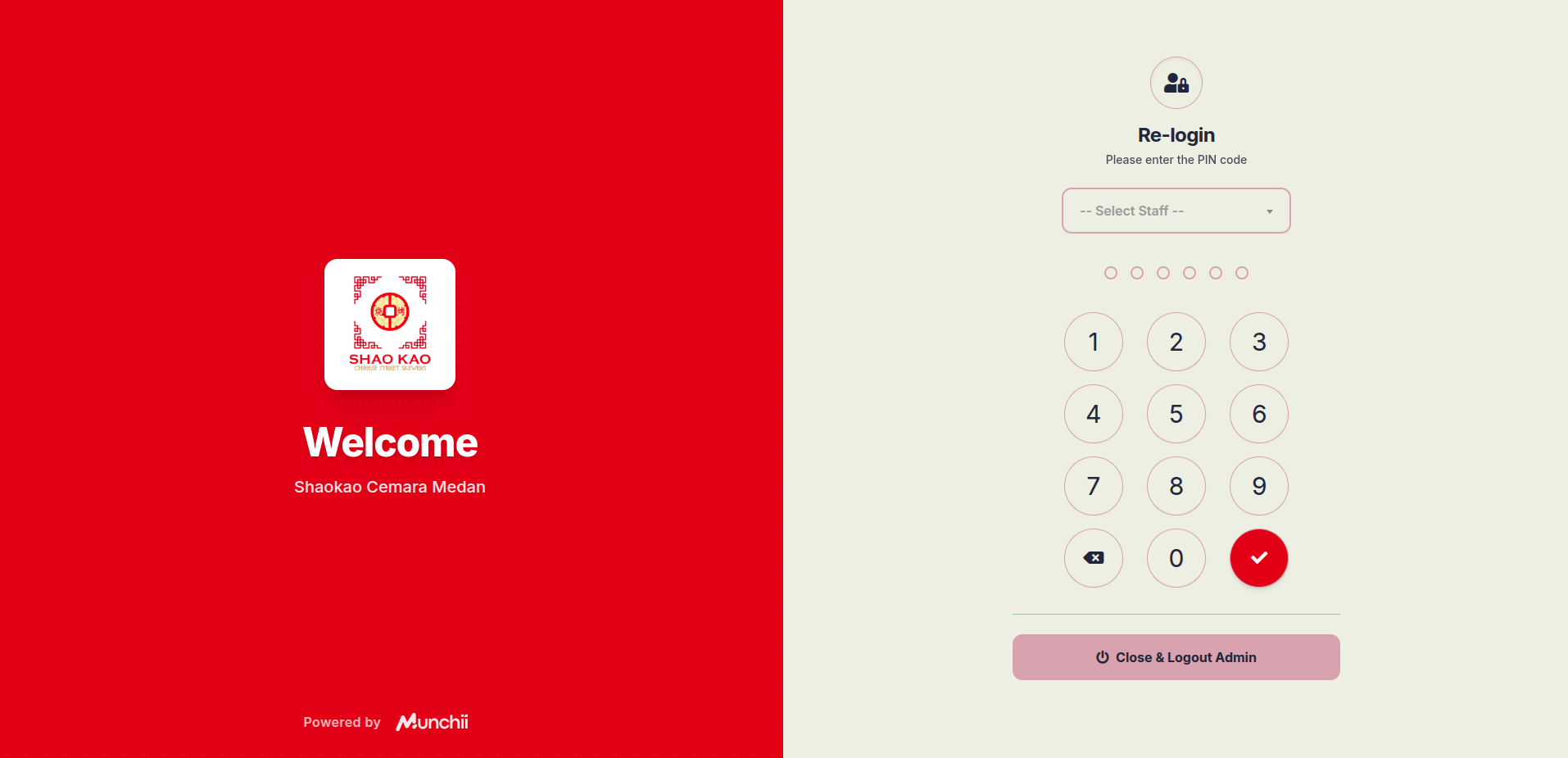
- On the Re-login page, click the -- Select Staff -- dropdown menu and select your name.
- Enter your 6-digit PIN using the on-screen number pad.
- Click the red checkmark button to enter.
- (Optional) Click the Close & Logout Admin button at the bottom to fully end the session if the device will not be used.
This feature is designed to support your team's operational agility. With a practical PIN-based security system, every staff member can work confidently without compromising restaurant data access security.