Ordering food is now much more practical with our Scan-to-Order system. With just your phone, you can explore the menu, order your favorite dishes, and complete your payment directly from your table without waiting for staff.
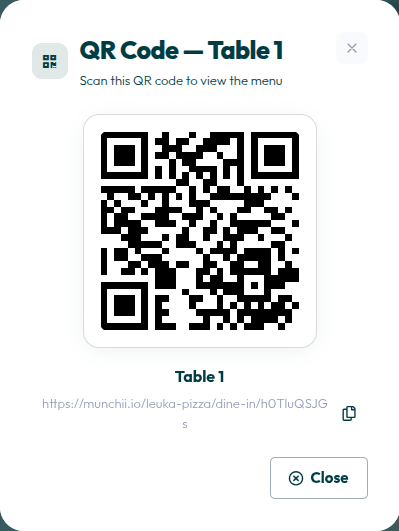
- Open your phone's camera and point it at the QR Code found on your table or counter area.
- Tap the link that appears to open our digital menu in your browser.
- Browse through menu categories, select the items you wish to order, and customize them with modifiers if desired.
- Click Add to Order, then select View Order to review your selections.
- Click Checkout to proceed with the payment process.
Enjoy a more personal and efficient dining experience. If you need any further assistance, please don't hesitate to ask our staff at any time.