The Munchii portal is the main command center for managing your entire restaurant operations. Through this portal, you can access menu settings, monitor sales reports, and manage staff access. The login process is designed securely to ensure that only authorized personnel can alter your crucial business data.
- Open
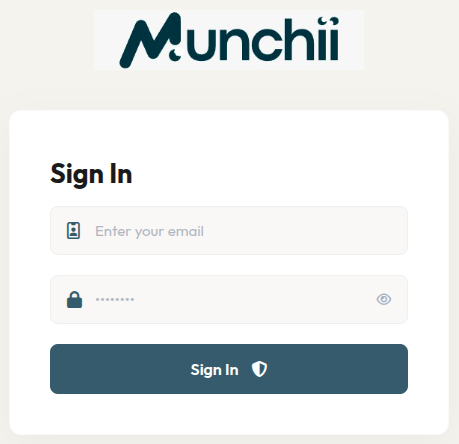
https://munchii.io/venue/loginin your browser. - On the Sign In page, enter your registered email in the Enter your email field.
- Enter your password.
- Click the Sign In button to log into the system.
By successfully logging in, you now have full access to start optimizing your restaurant management through the Munchii dashboard. If you encounter any issues while logging in, please double-check your credentials or contact our support team.